Installation#
Nebula is self-hosted. Clone the repo, run Docker, and you have a multi-agent AI platform running on your own infrastructure.
Requirements#
| Component | Minimum | Recommended |
|---|---|---|
| Docker | Engine 24+, Compose v2 | Latest stable |
| Memory | 4 GB RAM | 8 GB RAM |
| Storage | 10 GB | 20 GB+ for agent workspaces |
| CLI Runtime | At least one (see below) | Claude Code |
Note: The Docker image is Linux-only (
node:22-bookworm-slim). For macOS or Windows development, run Nebula from source withnpm run devinstead.
You need at least one supported CLI runtime installed on the host machine (or inside the container):
Quick Start#
1. Clone the repository#
git clone https://github.com/reforia/Nebula.git2. Start with Docker Compose#
cd Nebula
cp .env.example .env
echo "NEBULA_ENCRYPTION_KEY=$(openssl rand -hex 32)" >> .env
docker compose up -d --build
3. Open the web interface#
Navigate to http://localhost:8080. On first boot, Nebula shows a setup wizard that walks you through initial configuration.
Step 1 — Create Admin Account#
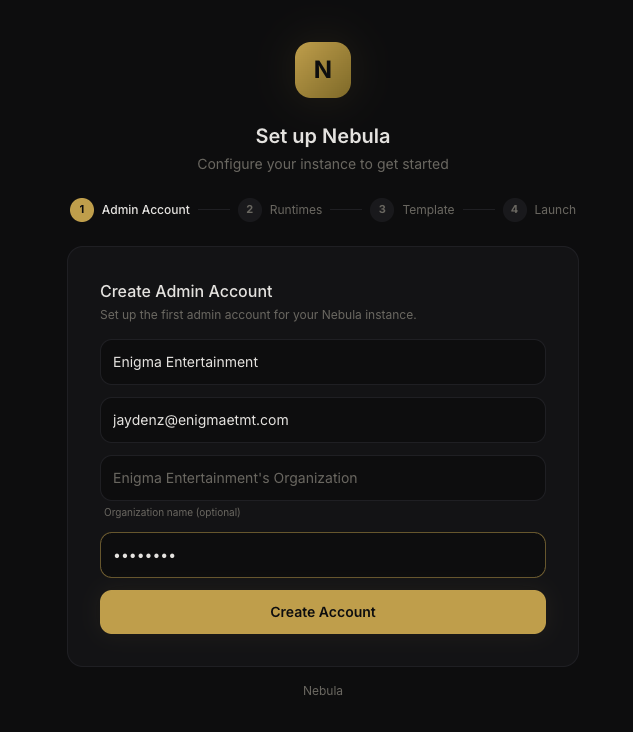 Setup wizard — admin account
The first account created becomes the org owner with full admin privileges. If using local auth, you'll register with email and password. If using Enigma auth, you'll sign in through the Enigma Platform.
Step 2 — Verify Runtimes#
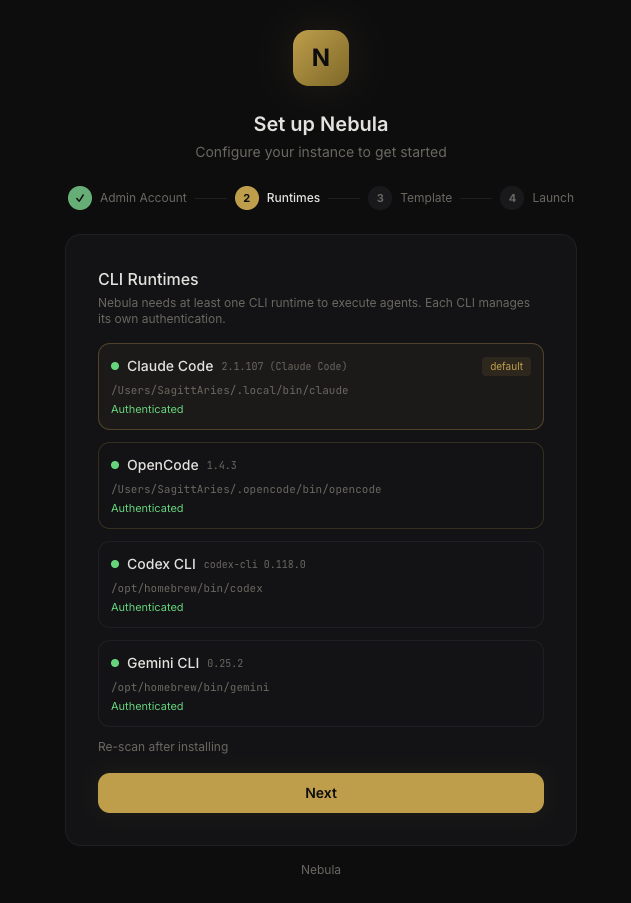 Setup wizard — runtime detection
Nebula scans for installed CLI runtimes and shows their status. At least one must be available.
Step 3 — Choose a Template#
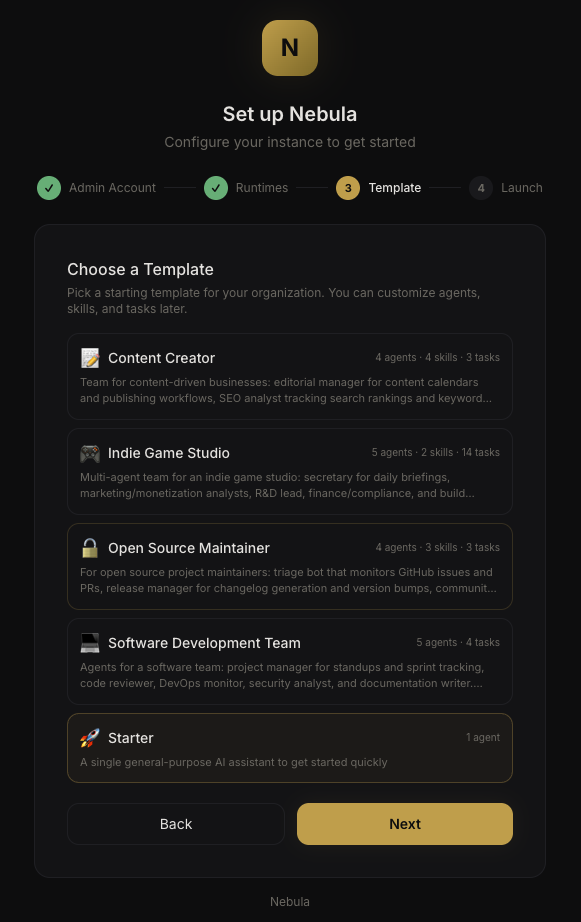 Setup wizard — template selection
Pick a starter template to bootstrap your organization with pre-configured agents and tasks, or start from scratch.
Step 4 — Launch#
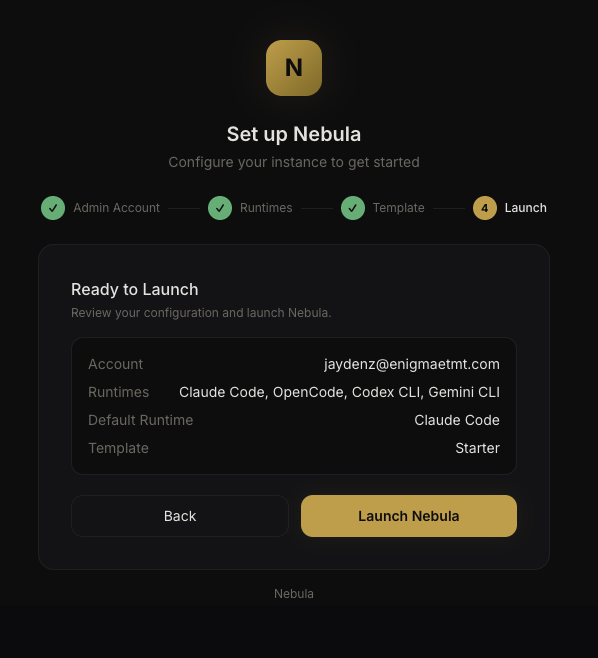 Setup wizard — ready to launch
Review your configuration and launch Nebula. You'll land on the main interface with your first agent ready to go.
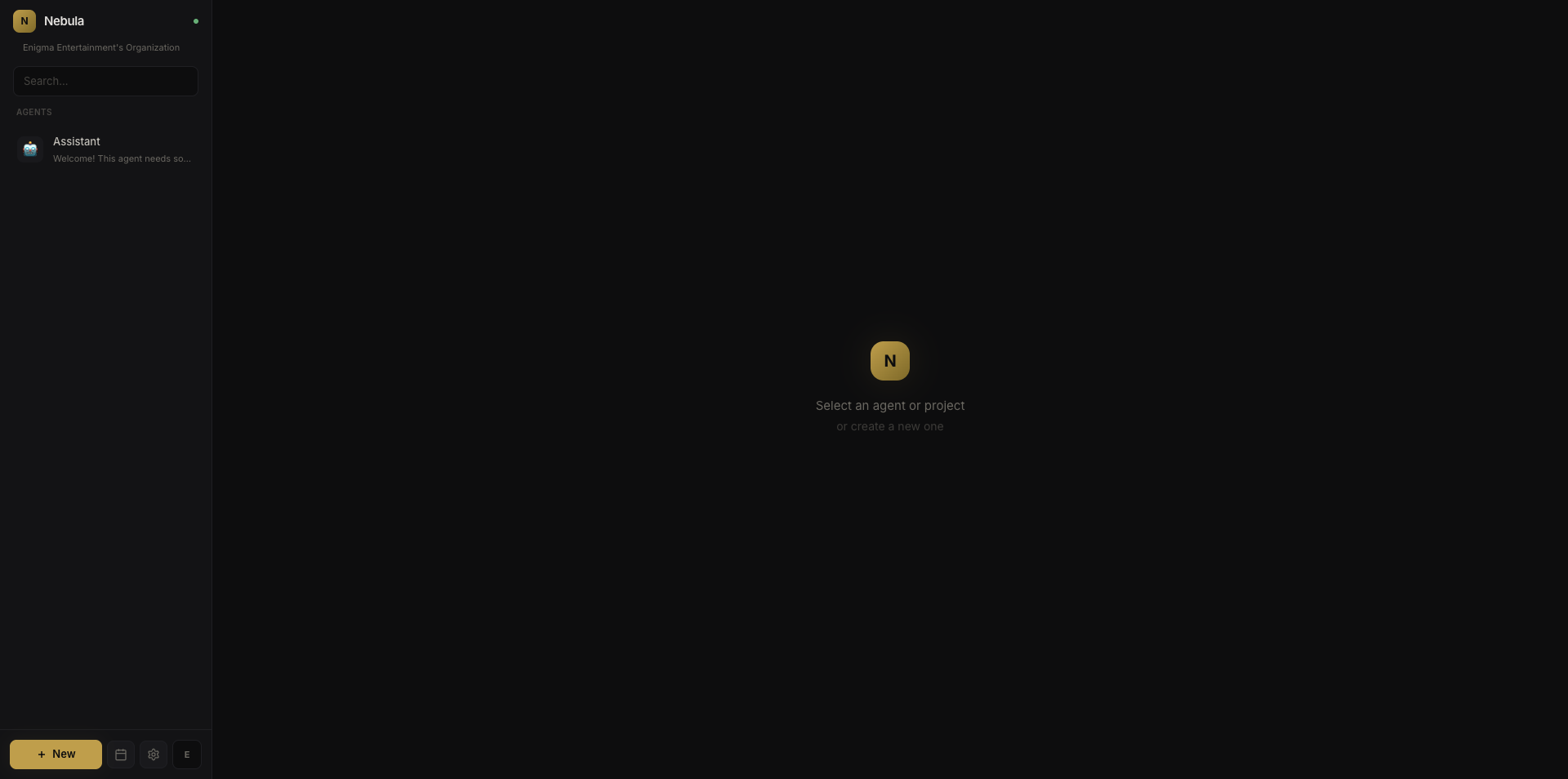 Fresh install — main interface
Running from Source (macOS / Windows)#
# Install dependencies
npm install
cd frontend && npm install && npm run build && cd ..

# Run with a local data directory
DATA_DIR=./data npm run dev
For frontend development with hot reload, run the backend and Vite dev server separately:
DATA_DIR=./data npm run dev          # backend on :8080
cd frontend && npm run dev           # Vite on :5173, proxies API to :8080
Auth Modes#
Nebula supports two authentication modes. Both provide the identical feature set — the only difference is how users sign in.
Local (default) — Email/password authentication. Fully offline, no external account or internet connection required. Recommended for personal use and air-gapped environments.
Enigma — OAuth2 via the Enigma Platform. Provides account management, license validation, and usage telemetry. Enable with:
AUTH_PROVIDER=enigmaEnvironment Variables#
| Variable | Default | Purpose |
|---|---|---|
PORT | 8080 | Server listen port |
DATA_DIR | /data | Persistent data directory (DB, org files, agent workspaces) |
AUTH_PROVIDER | local | Auth mode: local or enigma |
NEBULA_ENCRYPTION_KEY | — | AES-256 key for encrypting secrets vault (required) |
PLATFORM_URL | https://dev.enigmaetmt.com:9443 | Enigma Platform URL (enigma auth only) |
OAUTH_CLIENT_ID | nebula | OAuth client ID (enigma auth only) |
Next Steps#
- Setting Up Your First Agent — create an agent and run your first task
- Organization Settings — configure org defaults, SMTP, and cleanup