Backups#
Nebula provides built-in backup and restore for its SQLite database. All data — agents, conversations, messages, settings, tasks, memories — lives in a single database file, making backups straightforward.
Creating a Backup#
Navigate to Settings → System and click Create Backup.
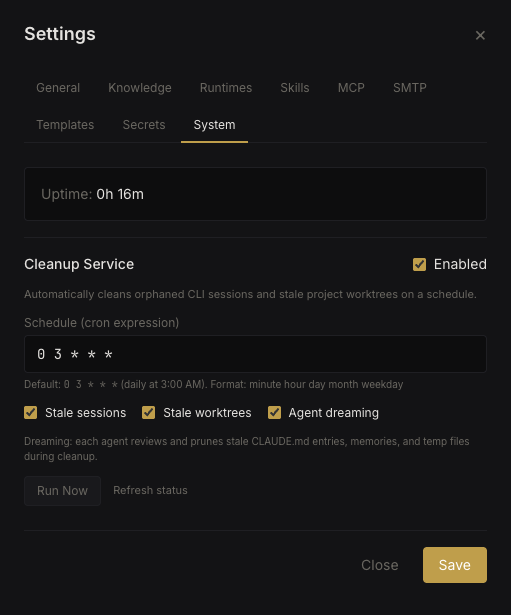 Backup management
Backups are timestamped SQLite copies stored alongside the main database in the data directory.
Listing Backups#
The System tab shows all available backups with their timestamps and file sizes. Backups are listed newest-first.
Restoring a Backup#
Click Restore next to a backup to replace the current database with the backup copy. The server restarts automatically after restore to ensure a clean state.
Warning: Restoring a backup replaces all current data. Any changes made after the backup was created will be lost. Consider creating a backup of the current state before restoring an older one.
What's Included#
Backups contain the full SQLite database:
- Users, organizations, and settings
- Agents with their configurations
- All conversations and messages
- Tasks, skills, MCP server configs
- Secrets vault (encrypted values)
- Memories
- Usage and error logs
What's Not Included#
- Agent vault files (stored on filesystem, not in DB)
- Agent working directories and git worktrees
- Global knowledge files (CLAUDE.md)
- CLI runtime state and sessions
For a complete disaster recovery, also back up the /data directory on the host machine or Docker volume.