Projects Overview#
Projects are how you coordinate multiple agents around a shared codebase. A project scopes agents, branches, milestones, and secrets into a single workspace backed by a git repository.
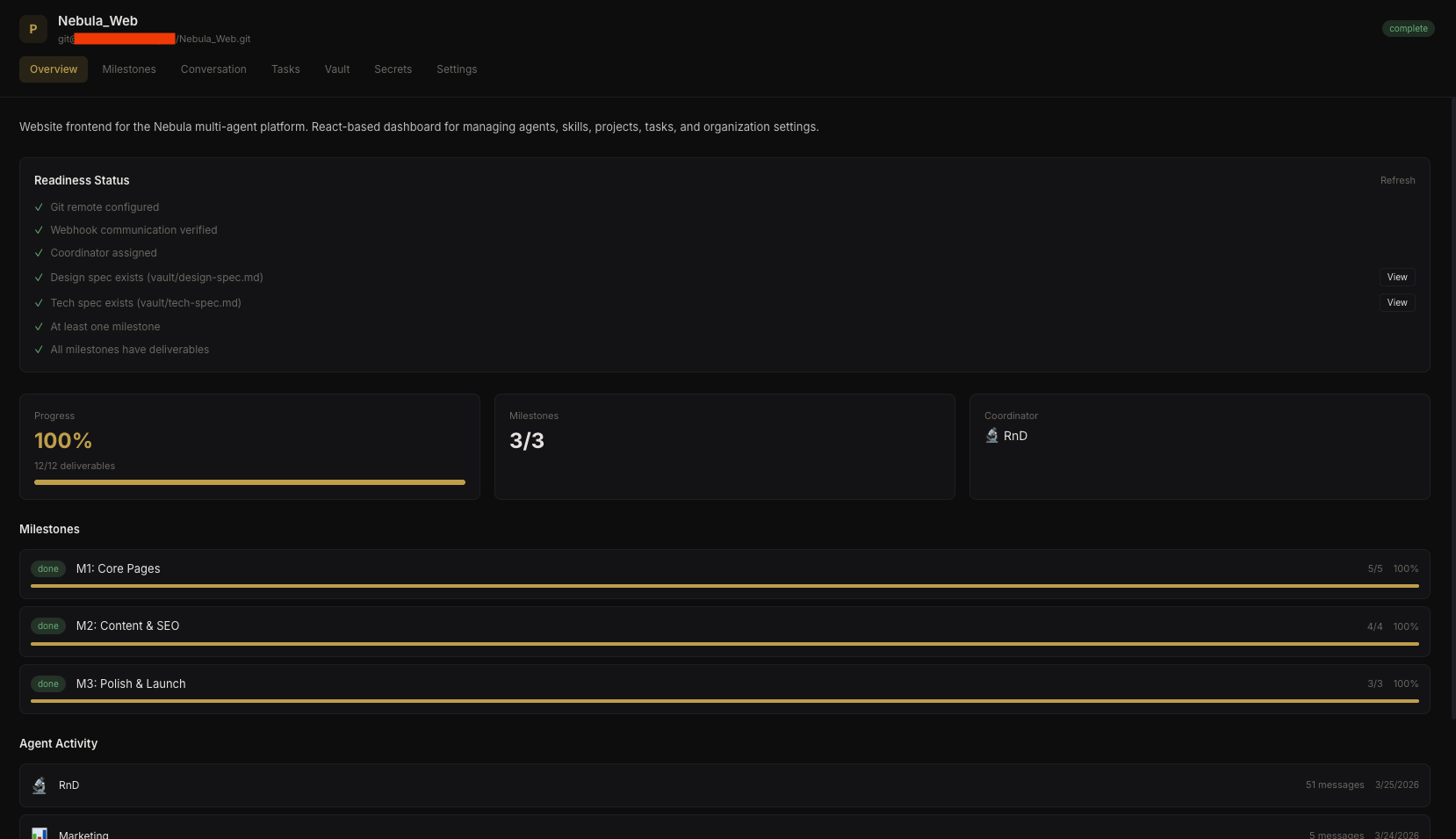 Project dashboard
How Projects Work#
Each project is backed by a git repository (cloned on the server). Agents get per-agent worktrees — isolated working copies on separate branches. This prevents race conditions when multiple agents work on the same repo simultaneously.
/data/orgs/{org_id}/agents/{agent_id}/projects/{project_id}/
├── main/                    # main branch worktree
├── feature/auth/            # feature branch worktree
└── feature/api/             # another feature branch
Agents can work concurrently on different branches within the same project. Work on the same branch is serialized (queued) to prevent conflicts.
Project Components#
A project brings together several systems:
- Git Integration — repository connection, webhook setup, provider configuration
- Milestones & Deliverables — hierarchical work breakdown and progress tracking
- Project Conversation — shared multi-agent message thread for coordination
- Project Memory — shared knowledge scope readable by all assigned agents
- Project Vault — workspace files tracked in git
- Project Secrets — scoped credentials for the project
- Project Tasks — cron or webhook-triggered automation
Project Vault#
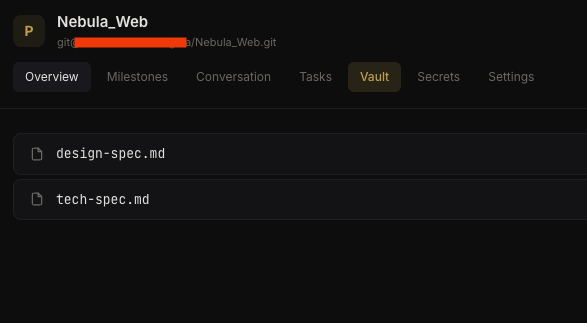 Project vault with workspace files
Project Secrets#
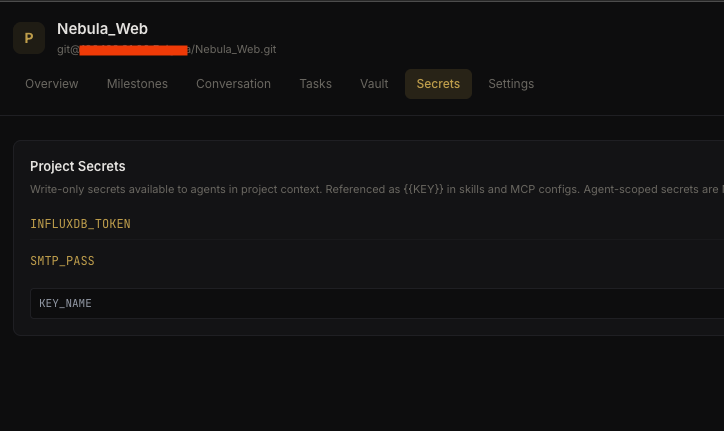 Project-scoped secrets
Assigned Agents#
Each project has a coordinator agent and any number of additional agents. Per-agent settings include:
- Role within the project (coordinator, developer, reviewer, etc.)
- Max concurrent executions — limits how many simultaneous sessions an agent can have in this project
Readiness Checklist#
Before launching a project, Nebula runs a readiness checklist:
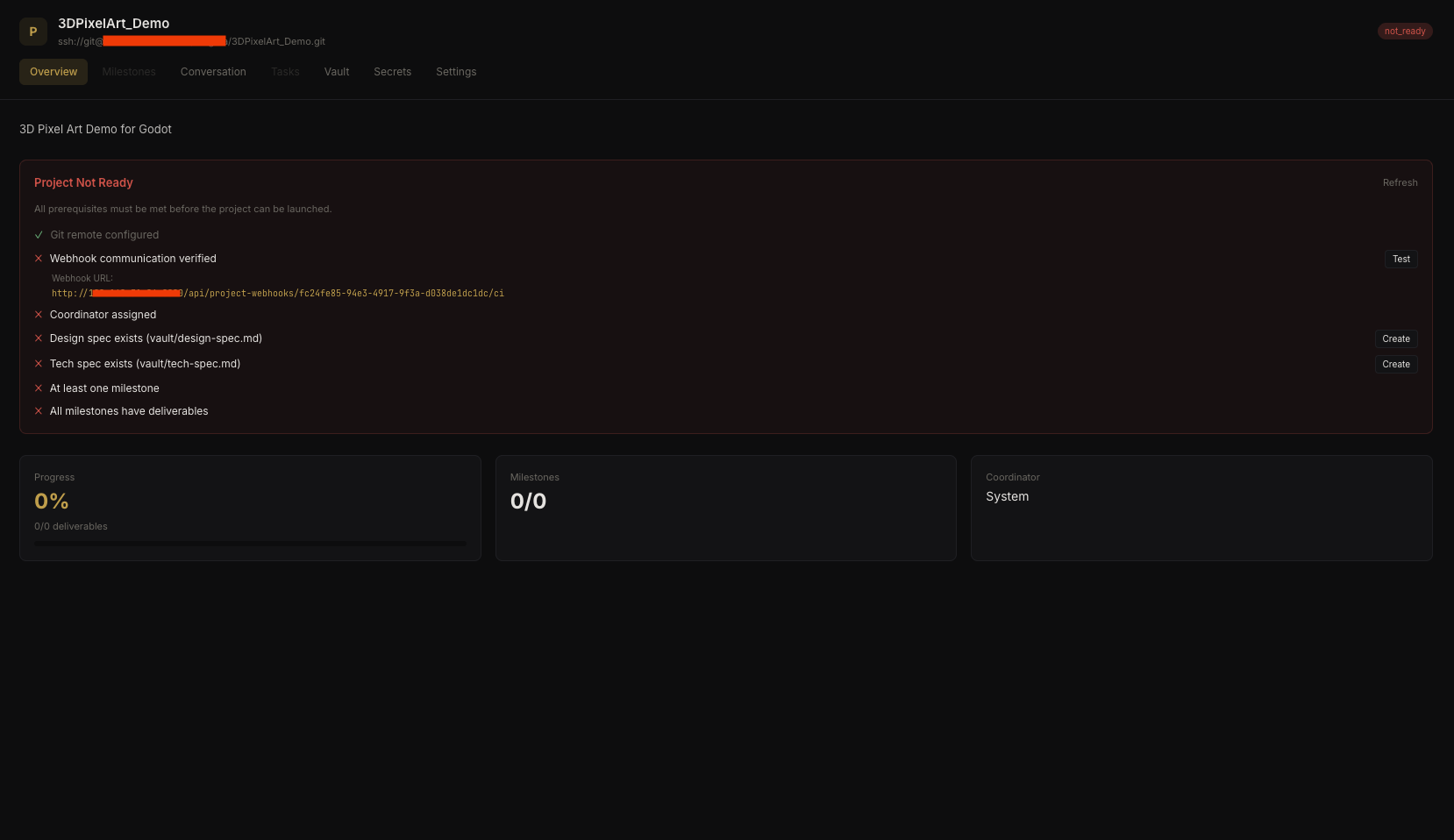 Project readiness checklist
- Git token validated
- Webhook configuration verified
- Agents assigned with roles
- Design/tech specs uploaded (if applicable)
- Custom checklist items (per project)
This prevents agents from starting work before the project is properly set up.
Project Memory#
Projects have their own shared memory scope. All agents in the project can read project memories alongside their own agent-scoped memories.
This is useful for decisions that affect the whole project:
"We're using Zod for all API validation — no Joi, no manual checks."
Write it once as a project memory, and every agent in the project sees it.