Vault#
Each agent has a vault — a simple file storage area for uploading documents, configuration files, datasets, or any reference material the agent might need during execution.
Usage#
Navigate to Agent Settings → Vault to manage files.
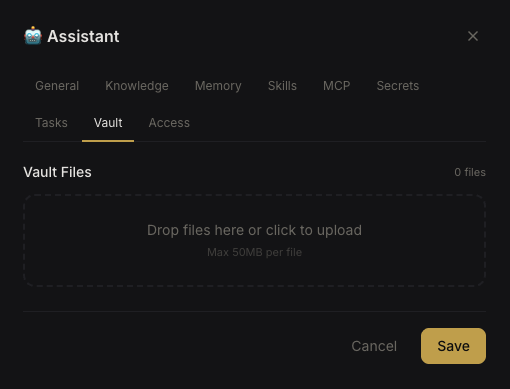 Vault file browser
- Upload files up to 50 MB each
- Download files back to your machine
- Delete files you no longer need
Vault files are stored on the server's filesystem at /data/orgs/{org_id}/agents/{agent_id}/vault/.
How Agents Access Vault Files#
Vault files are available in the agent's working directory during execution. Agents can read these files using their standard file tools (Read, cat, etc.) as part of task processing.
Project Vault#
Projects also have a vault for workspace-level files. Project vault files are git-tracked — changes are committed back to the repository.