@mention Routing#
Nebula supports cross-agent communication directly from the chat input. Type @ followed by an agent name to pull another agent into the conversation or push a task to it.
Two Routing Patterns#
@AgentName — Pull into conversation#
Mentioning an agent by name pulls it into the current conversation. The mentioned agent receives conversation context and responds in the same thread.
@DevBot can you review the authentication changes I just made?
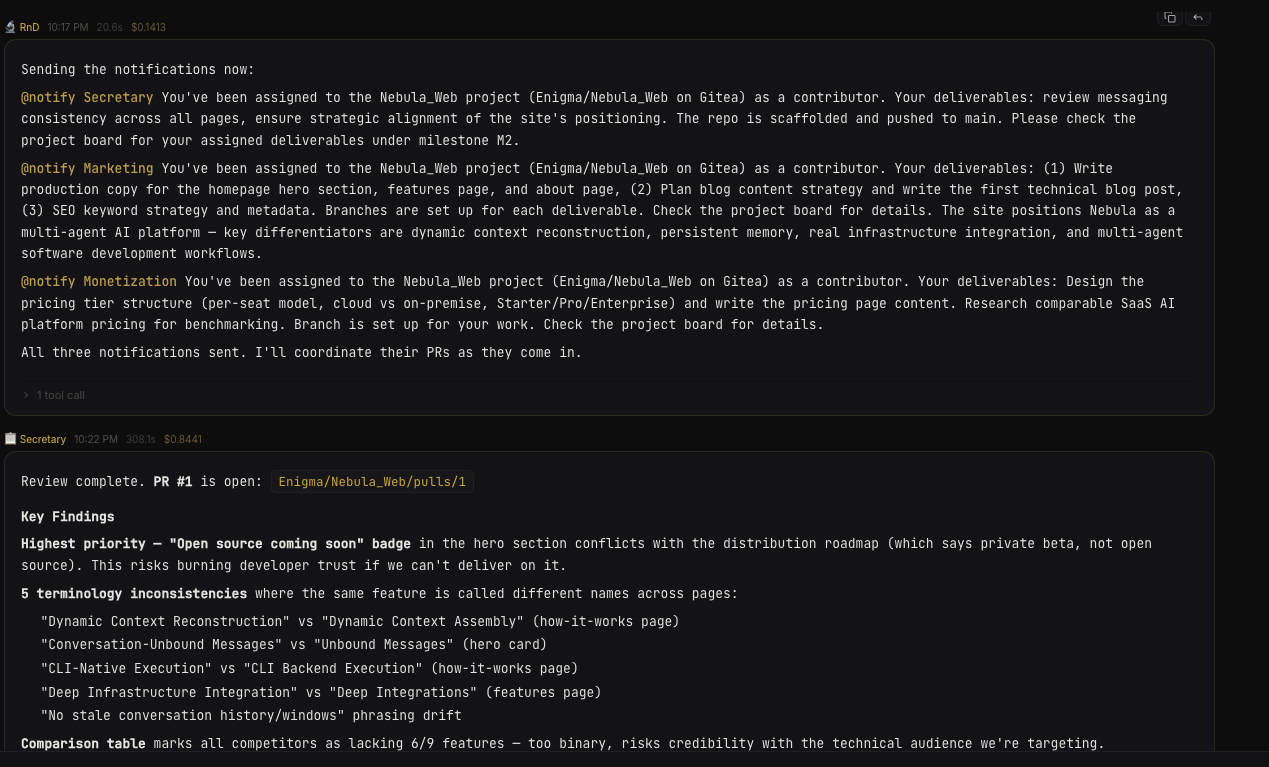 Mention routing in action
The mentioned agent sees:
- The message that mentioned it
- Recent conversation context (configurable — see Context Limits below)
- Its own system prompt, skills, and memory
Multiple agents can be mentioned in a single message (up to 3). Each one responds in the thread.
@notify AgentName — Push to agent's own conversation#
The @notify pattern sends a fire-and-forget task to the target agent's own conversation instead of pulling it into yours.
@notify OpsBot deploy the staging environment
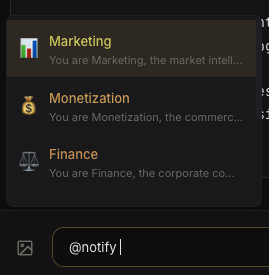 Notify autocomplete
The target agent processes the message independently — you won't see its response in your current thread. This is useful for triggering background work without interrupting your flow.
Context Limits#
When an agent is mentioned, it receives recent messages from the conversation as context. You can control how much context is included:
- Messages — number of recent messages included (default: 10, configurable per agent or org-wide)
- Characters per message — max characters per message in the context (default: unlimited, configurable per agent or org-wide)
Configure these in Agent Settings → General or Org Settings → General for the org-wide default.
Execution Order#
When a message contains mentions:
- All
@notifytargets fire first (fire-and-forget) - The primary agent (conversation owner) executes
- Each
@mentioned agent executes with conversation context
All mentioned agents run concurrently with each other.
Autocomplete#
The chat input provides autocomplete when you type @. It shows all agents in your organization.
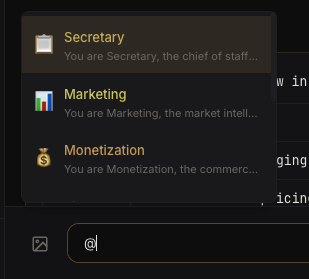 Mention autocomplete