Tasks#
Tasks let you schedule agent work on a recurring schedule (cron) or trigger it from external systems (webhook). Each task defines a prompt that the agent executes when fired.
Task Types#
Cron Tasks#
Cron tasks run on a schedule defined by a cron expression.
# Every weekday at 9am
0 9 * * 1-5

# Every 6 hours
0 */6 * * *

# First day of every month
0 0 1 * *
Webhook Tasks#
Webhook tasks expose an HTTP endpoint that external systems can call. When the endpoint receives a POST request, the task fires.
Each webhook task gets:
- A unique endpoint URL:
/api/webhooks/{taskId} - An auto-generated webhook secret for authentication
- Support for both query parameter and HMAC-SHA256 signature verification (compatible with GitHub and Gitea webhooks)
The webhook payload is automatically injected into the task prompt, so the agent can act on the incoming data.
Creating a Task#
- Navigate to Agent Settings → Tasks
- Click New Task
- Fill in:
- Name — identifier for the task
- Trigger type — cron or webhook
- Cron expression (for cron tasks)
- Prompt — the message sent to the agent when the task fires
- Max turns — limit on agent execution turns (optional)
- Timeout — max execution time (optional, falls back to agent/org default)
- Toggle Enabled to activate
Cron task:
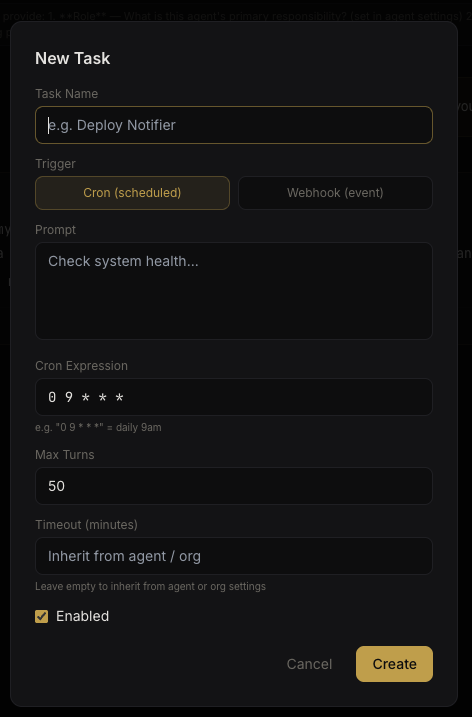 Cron task configuration
Webhook task:
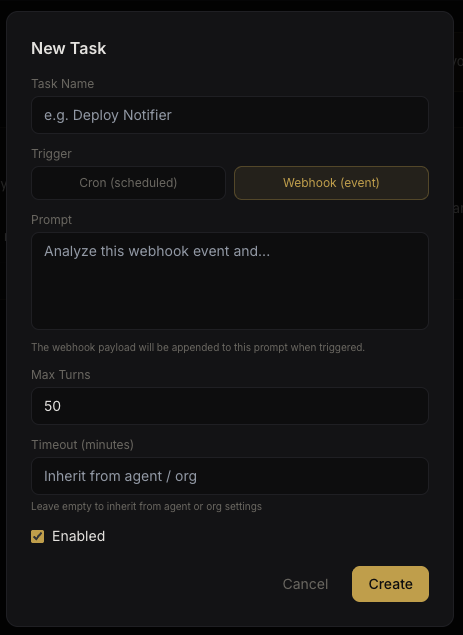 Webhook task configuration
Existing Tasks#
The Tasks tab shows all configured tasks with their schedule, last run status, and controls to run, edit, or delete.
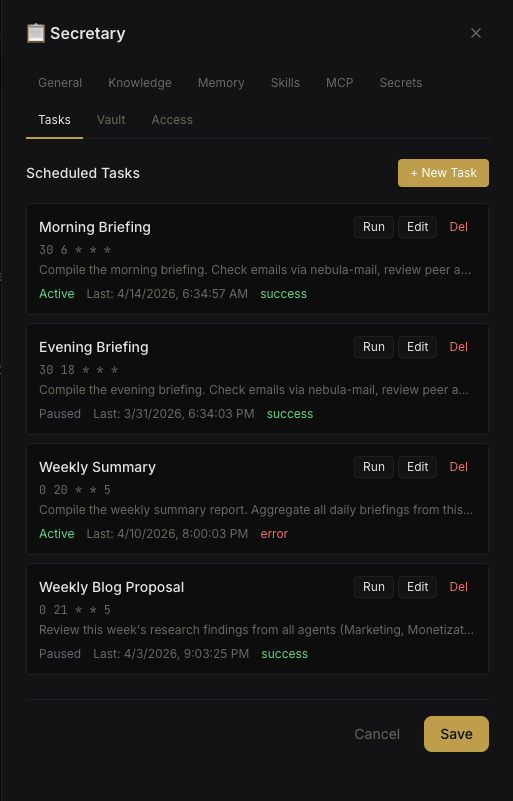 Agent task list
Task Calendar#
The Task Calendar provides a monthly view of all scheduled cron tasks across every agent in your organization. Access it from the sidebar.
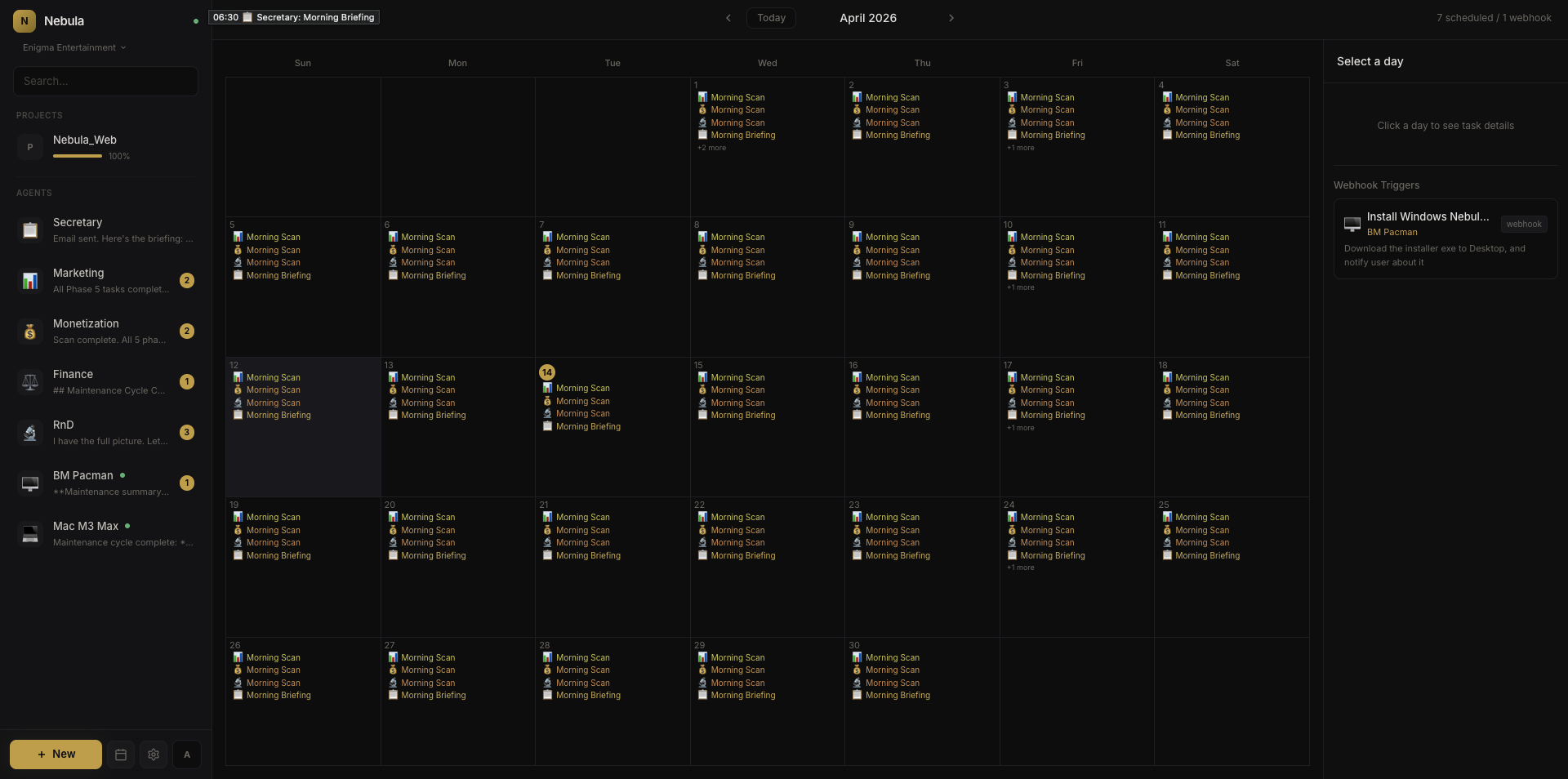 Task calendar view
This gives you a clear picture of when tasks run and helps prevent scheduling conflicts.
Manual Trigger#
Any task (cron or webhook) can be triggered manually from the UI. Click the Run button next to a task to execute it immediately, regardless of its schedule.
Task Stagger#
To prevent multiple cron tasks from firing simultaneously and overwhelming resources, you can set a stagger delay in Settings → General. This adds a configurable delay between consecutive task executions.
Project Tasks#
Tasks can also be created at the project level. Project tasks operate in the project context and default to the coordinator agent unless a specific agent is assigned.
Email Notifications#
If the agent has email notifications enabled and SMTP is configured in org settings, task results are emailed to the configured recipient after each execution.